E90 & T93 Upgrade Kit Install Guide
The below instructions outline how to perform a GM ECM E90 & GM TCM T93 upgrade kit installation.
Note
These cables are used to upgrade the GM E90 ECM and GM T93 TCM in the supported vehicle.
Warning
Once the upgrade is completed, VCM Editor will instruct you to uninstall the cable. DO NOT attempt to start the vehicle or drive with the cable installed.
Requirements
- Latest version of VCM Suite Beta
- MPVI3 and/or MPVI4 device
- The below upgrade kit
| Component Description | Component |
|---|---|
| E90/T93 Upgrade Box | 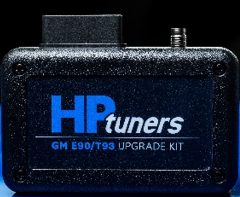 |
| 2.1 mm Power Cable | 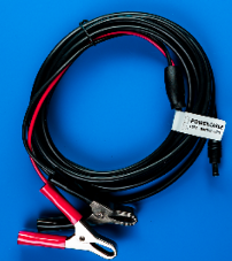 |
| HPTNet Cable | 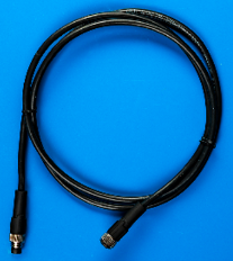 |
| T90 ECM Upgrade Harness | 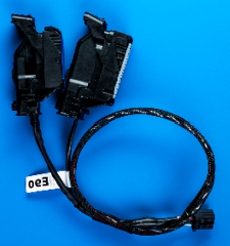 |
| T93 TCM Upgrade Harness | 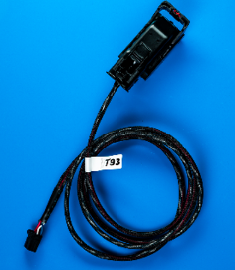 |
GM E90 ECM Upgrade Step-by-Step Instructions
-
Download and install the latest version of VCM Suite Beta.
-
Install the GM E90 upgrade kit.
A. Open the hood of the vehicle and disconnect your vehicle's battery.
B. Locate the E90 ECM in your vehicle. It will be mounted behind the driver's side wheel well liner. You will need to remove some plastic push-tabs and screws to pull the wheel liner back enough to reach the ECM.
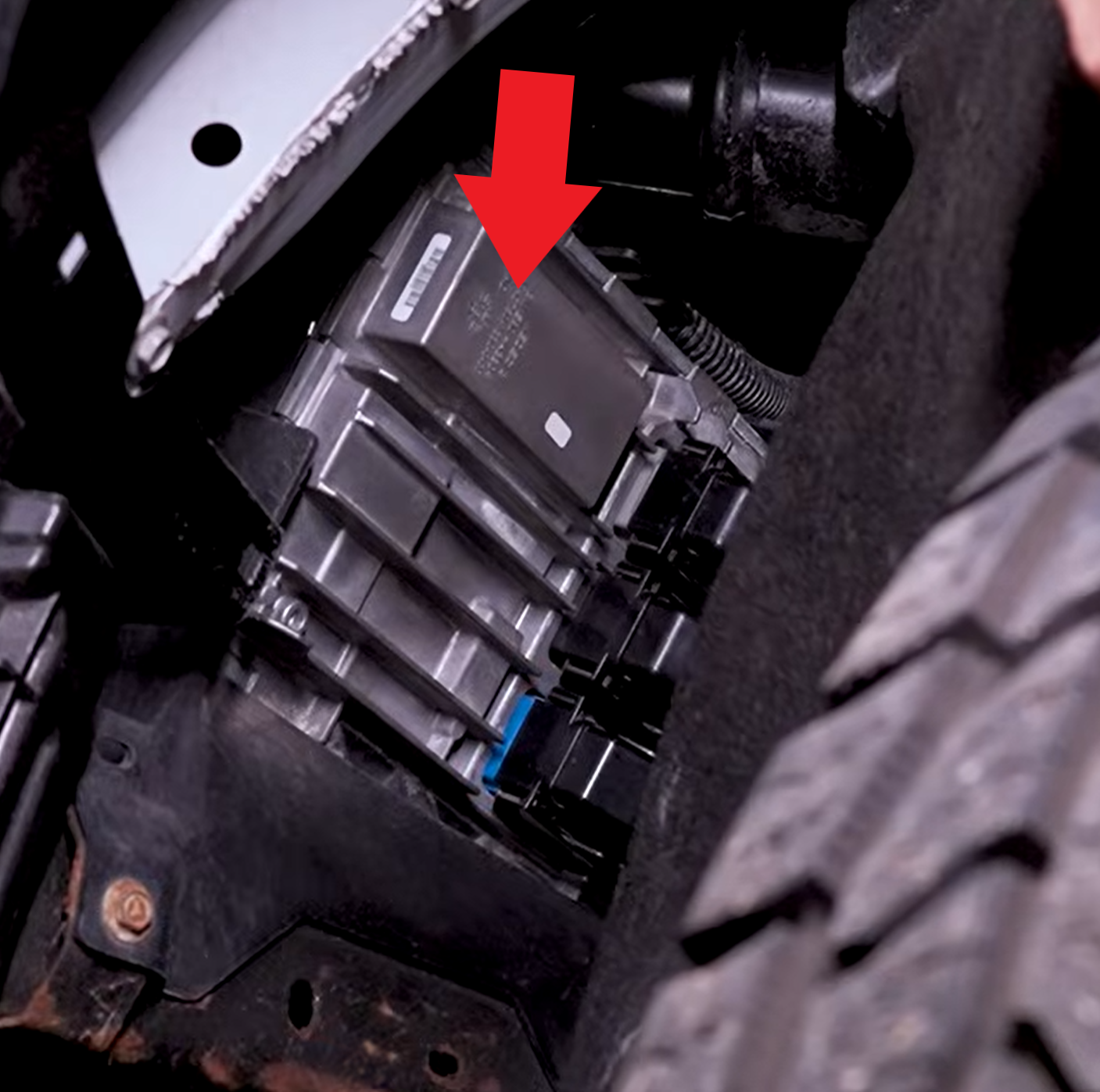
C. Disconnect all 3 ECM harness connectors from the ECM.
D. Connect the supplied E90 Upgrade Harness to the Blue J1 connector and Grey J3 connectors of the ECM. The middle Black connector will be left disconnected.
E. Connect the HPTNet cable (cable with M8 connectors) to the MPVI and the Upgrade Box.
F. Plug your MPVI into the OBDII port on the Upgrade Box.
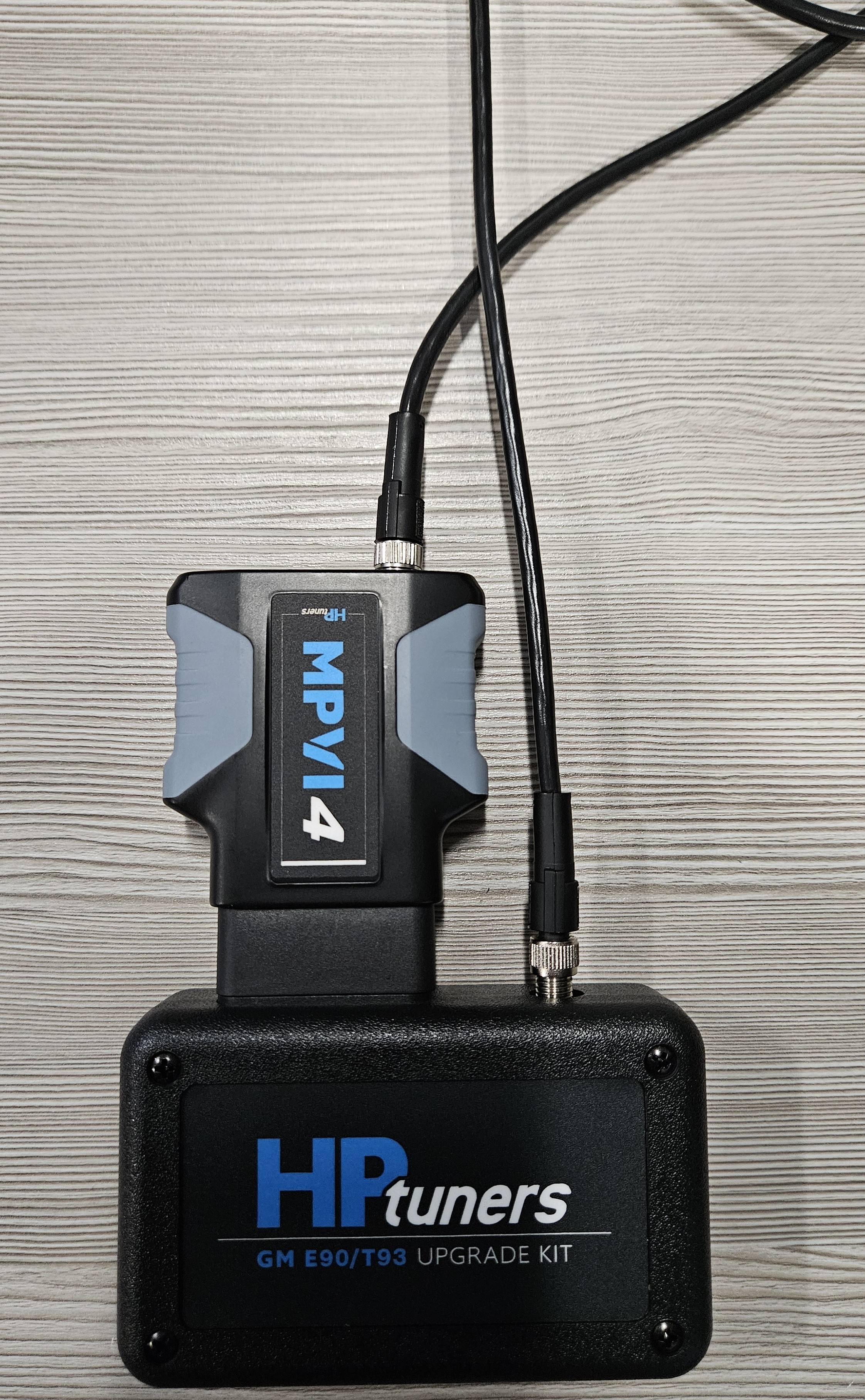
G. Plug the 12-pin connector on the E90 Upgrade Harness into the Upgrade Box.
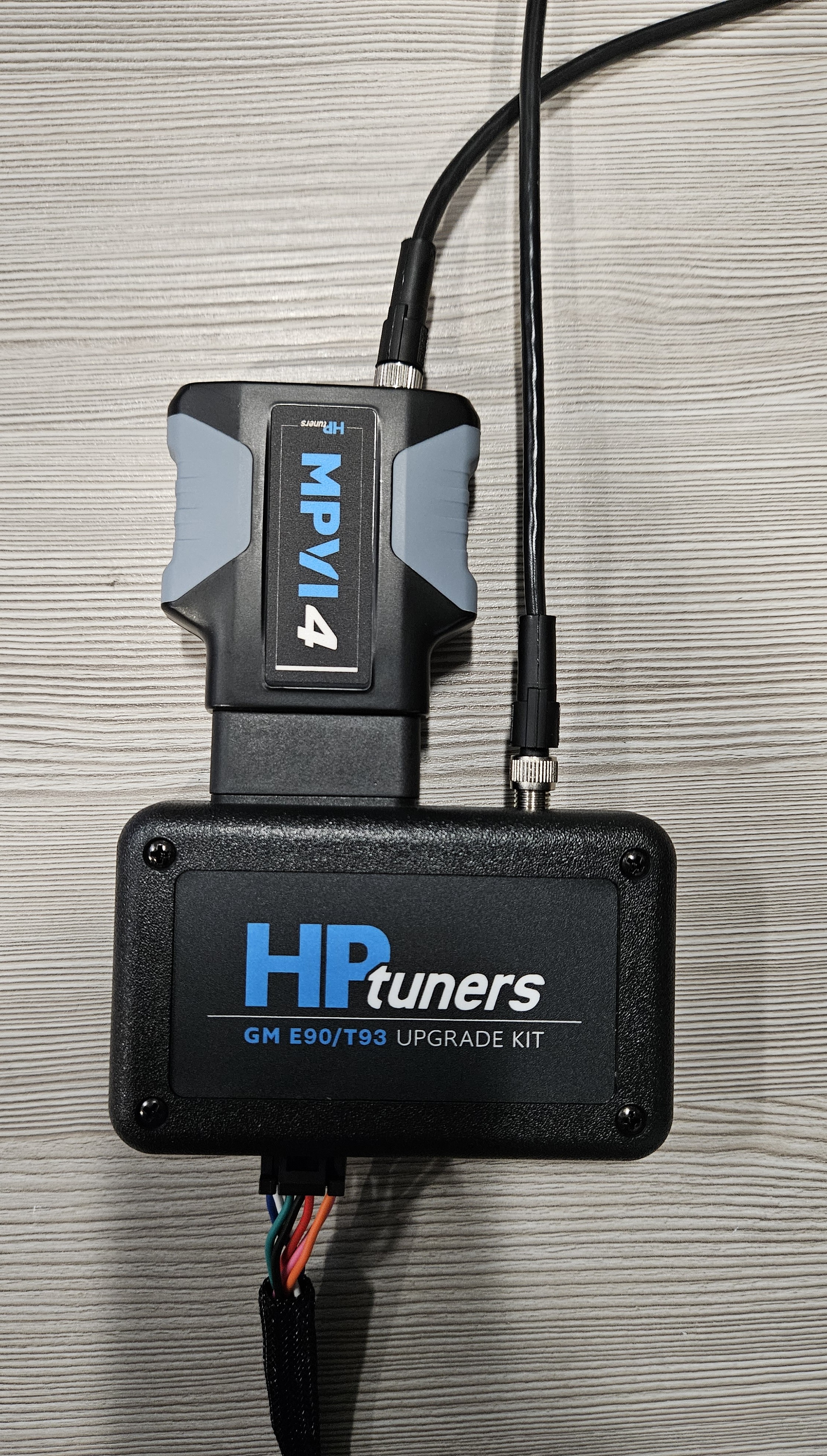
H. Plug the 2.1mm barrel plug of the supplied power cable (with alligator clips) into the Upgrade Box.
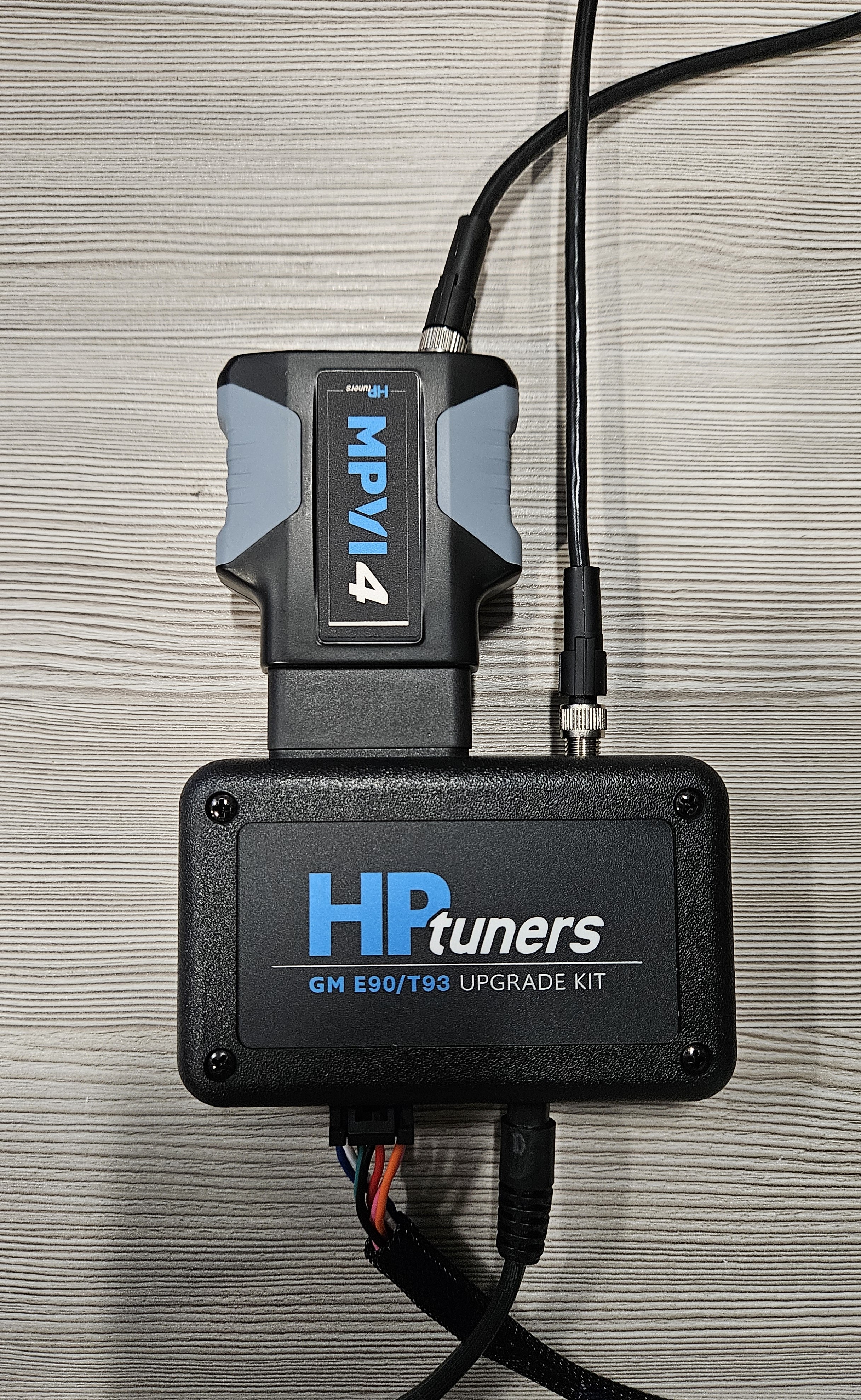
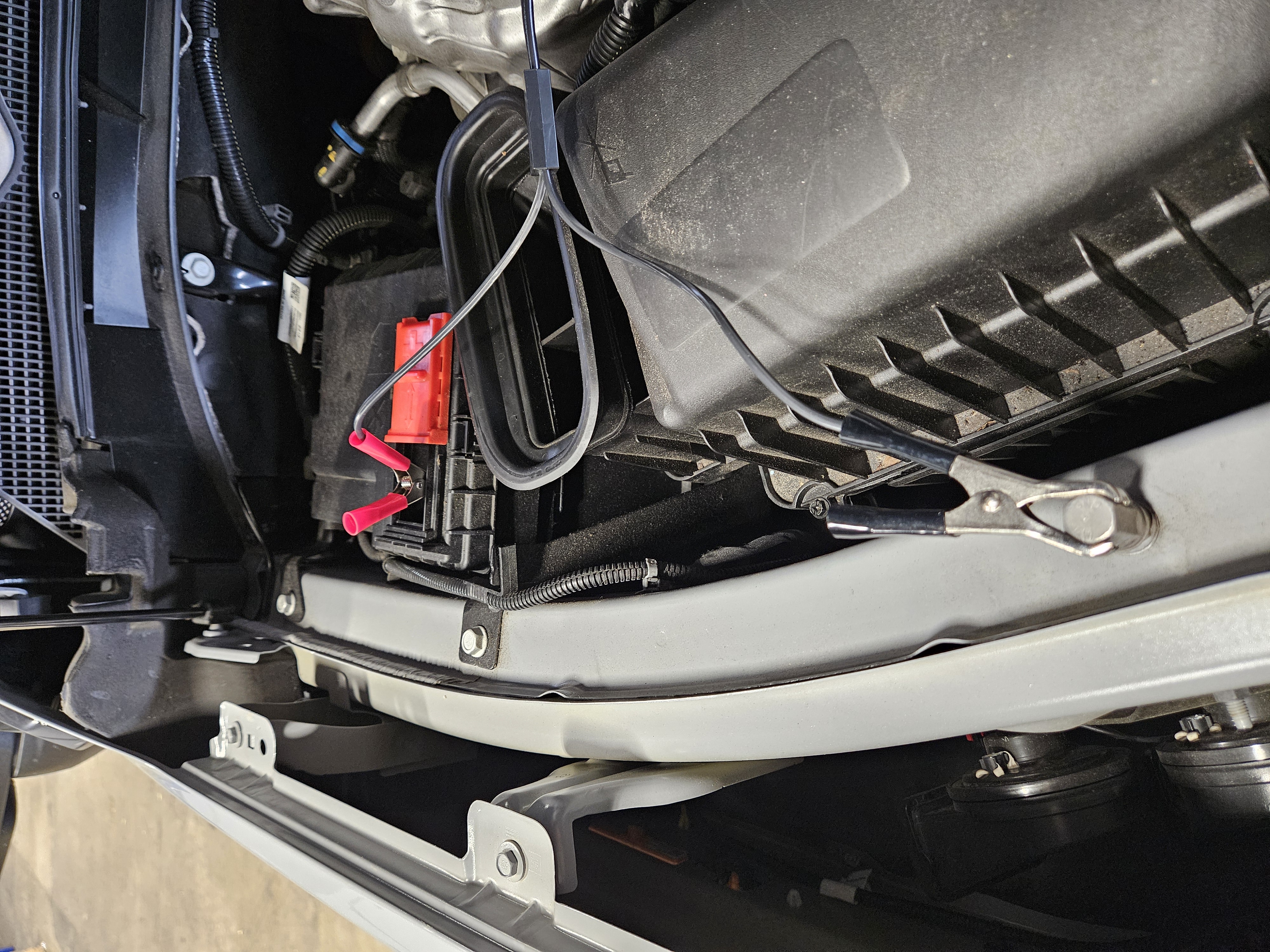
I. Connect the alligator clips of the power cable to the vehicle's battery. Be sure to connect the Red alligator clip to the POSITIVE (+) battery terminal, and the Black alligator clip to the NEGATIVE (-) battery terminal.
J. Plug your MPVI into your PC with a USB-C cable.
-
Read your vehicle in VCM Editor
A. Open the latest version of VCM Editor BETA on your PC.
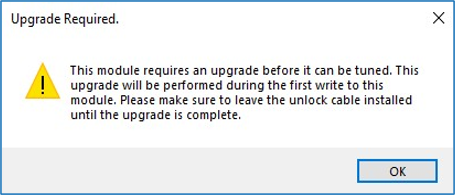
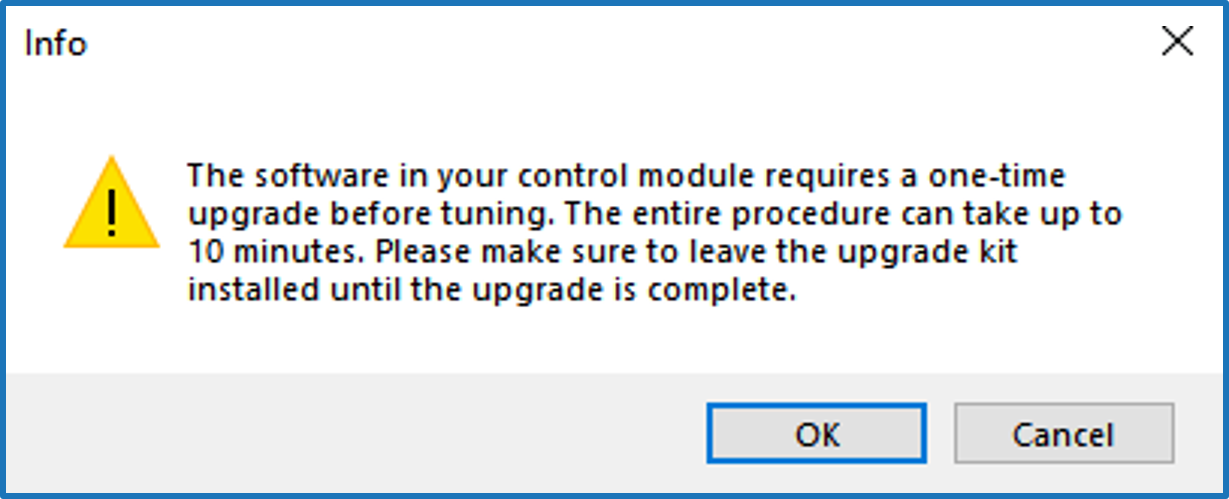
B. Read the vehicle by going to the Flash menu and selecting Read Vehicle. If the cable is installed and the module has not been upgraded yet, you will receive a window with the following message:
Note
- If you do not receive this message and you are not provided with a stock file to tune the vehicle, check the cable installation. If you do not receive this message and are provided with a stock file to tune the vehicle, then the ECM is already upgraded. Please uninstall the cable and tune the vehicle as normal.
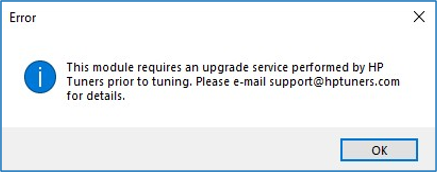
- If the upgrade cable is not installed, you will receive the following window and the read will exit.
-
Modify the stock file (optional).
A. The upgrade will take place during the first write of the module. You can make your initial changes prior to this write or you can perform the upgrade using the supplied stock file without any changes.
-
Write the module and perform the upgrade.
A. With the upgrade cable still installed, license and prepare to write the ECM by going to the Flash menu and selecting Write Vehicle.
B. Once the write begins, VCM Editor will perform the upgrade to the ECM first. This process may take up to 10 minutes. If the cable is installed, you will receive a window with the following message before the upgrade begins:
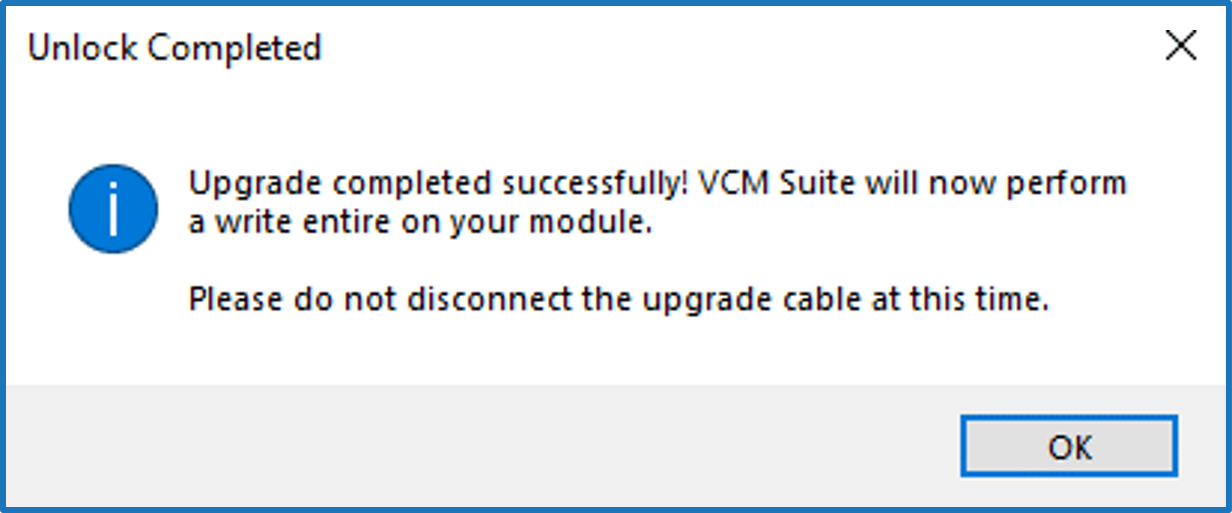
C. Once the upgrade is complete, you will receive a window with the following message:
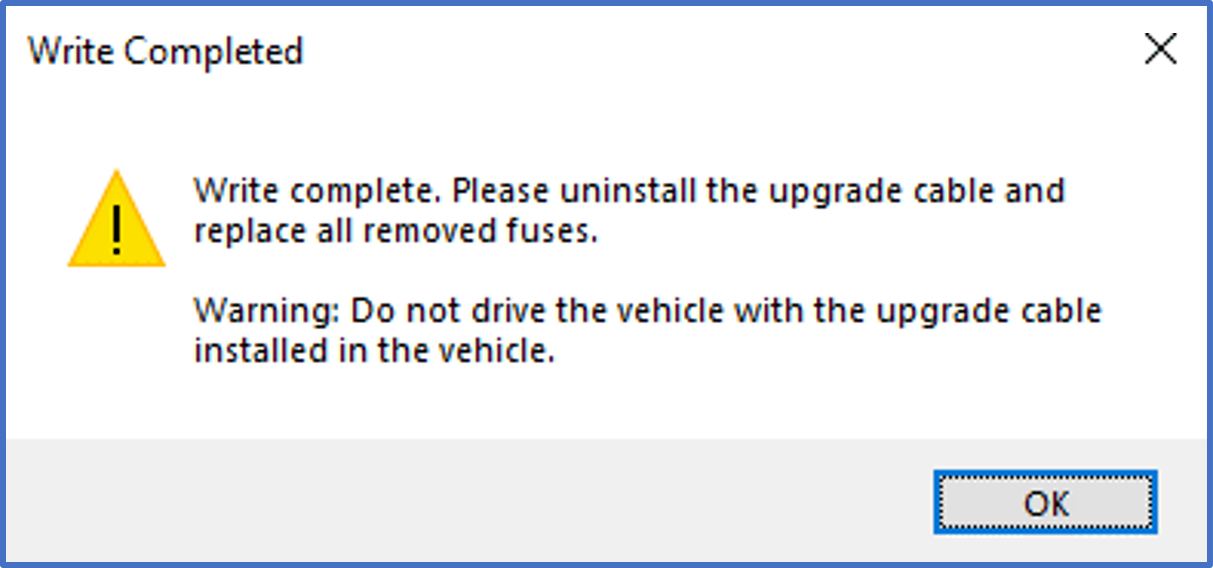
D: After clicking OK on the previous window, VCM Editor will now perform a “Write Entire” of the currently loaded tune file to the ECM. Once this write finishes, you will receive the message:
-
Uninstall the E90 ECM Upgrade Kit.
A. Turn the key to the OFF position.
B. Disconnect the alligator clips of the supplied power cable from the vehicle's battery.
C. Remove the E90 Upgrade Harness from the ECM's Grey J3 and Blue J1 connectors.
D. Re-install all 3 of the factory ECM harness connectors to the ECM.
E. Re-attach the driver side wheel well liner with all removed screws and/or push-tab clips.
F. Re-connect the vehicle's battery.
G. Disconnect your MPVI from the Upgrade Box (unplug it from the Upgrade Box's OBDII port and disconnect the HPTNet cable connecting the two).
H. Plug your MPVI directly into the vehicle's OBDII port and you are ready to calibrate as you normally would.
GM T93 TCM Upgrade Step-By-Step Instructions
-
Download and install the latest version of VCM Suite Beta.
-
Install the T93 upgrade kit.
A. Open the hood of the vehicle and disconnect your vehicle's battery.
B. Locate the T93 TCM in your vehicle. On the LM2 (3.0L turbo diesel) engines and most all GM T93's the TCM will be mounted behind the driver's side wheel well liner. You will need to remove some plastic push-tabs and screws to pull the wheel liner back enough to reach the TCM.
Note
On GM's L5P engines (6.6L Duramax) the T93 TCM sits below the fuse box in the driver side engine bay.
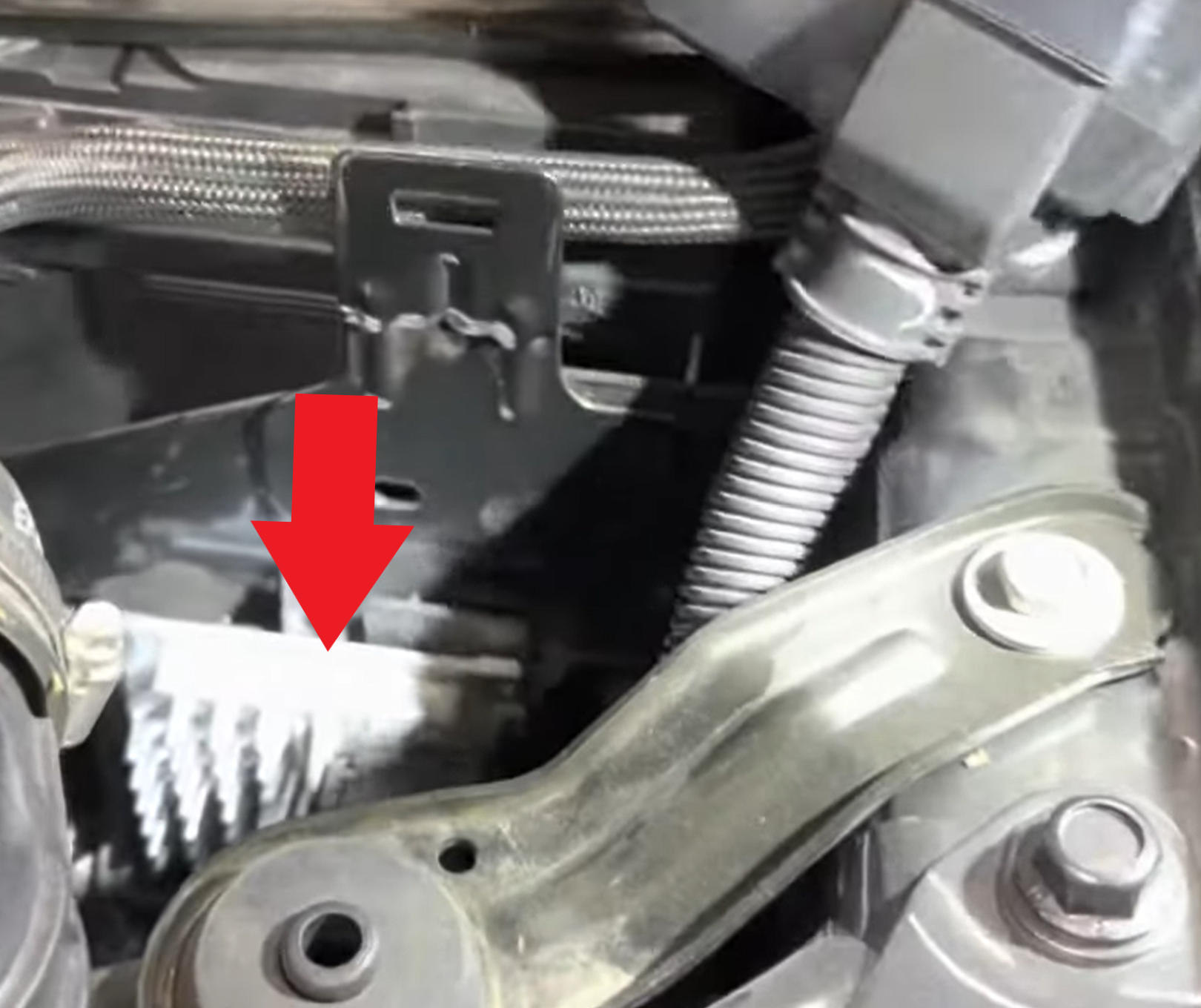
C. Once you have located the T93 TCM behind the driver's side wheel well liner, remove the 3 bolts that are holding the TCM mounting bracket to the vehicle. Pull the mounting bracket towards you and this will provide access to the T93 TCM on the other side.
D. Disconnect the factory TCM harness connector from the T93 TCM.
E. Connect the supplied T93 Upgrade Harness to the T93 TCM.
F. Connect the HPTNet cable (cable with M8 connectors) to the MPVI and the Upgrade Box.
G. Plug your MPVI into the OBDII port on the Upgrade Box.
H. Plug the 12-pin connector on the T93 Upgrade Harness into the Upgrade Box.
I. Plug the 2.1mm barrel plug of the supplied power cable (with alligator clips) into the Upgrade Box.
J. Connect the alligator clips of the power cable to the vehicle's battery. Be sure to connect the Red alligator clip to the POSITIVE (+) battery terminal, and the Black alligator clip to the NEGATIVE (-) battery terminal.
K. Plug your MPVI into your PC with a USB-C cable.
-
READ your vehicle using VCM Editor.
A. Open VCM Editor BETA.
B. Read the vehicle by going to the Flash menu and selecting Read Vehicle. If the cable is installed and the module has not been upgraded yet, you will receive a window with the following message:
Note
- If you do not receive this message and you are not provided with a stock file to tune the vehicle, check the cable installation. If you do not receive this message and are provided with a stock file to tune the vehicle, then the ECM is already upgraded. Please uninstall the cable and tune the vehicle as normal.
- If the upgrade cable is not installed, you will receive the following window and the read will exit.
-
Modify the stock file (optional).
A. The upgrade will take place during the first write of the module. You can make your initial changes prior to this write or you can perform the upgrade using the supplied stock file without any changes.
-
Write the Module and Perform the Upgrade.
A. With the upgrade cable still installed, license and prepare to write the TCM by going to the Flash menu and selecting Write Vehicle.
B. Once the write begins, VCM Editor will perform the upgrade to the TCM first. This process may take up to 10 minutes. If the cable is installed, you will receive a window with the following message before the upgrade begins:
C. Once the upgrade is complete, you will receive a window with the following message:
D. After clicking OK on the previous window, VCM Editor will now perform a “Write Entire” of the currently loaded tune file to the TCM. Once this write finishes, you will receive the message:
-
Uninstall the T93 Upgrade Kit.
A. Turn the key to the OFF position.
B. Disconnect the alligator clips of the supplied power cable from the vehicle's battery.
C. Remove the T93 Upgrade Harness from the TCM.
D. Re-install the factory TCM harness connector onto the TCM.
E. Re-attach the ECM/TCM mounting bracket to the vehicle.
F. Re-attach the driver side wheel well liner with all removed screws and/or push-tab clips.
G. Re-connect the vehicle's battery.
H. Disconnect your MPVI from the Upgrade Box (unplug it from the Upgrade Box's OBDII port and disconnect the HPTNet cable connecting the two).
I. Plug your MPVI directly into the vehicle's OBDII port and you are ready to calibrate as you normally would.