<<<<<<< HEAD
see_also: - title: CORE ECU Diagnostic Manual url: /CORE_ECU_Diagnostic_Manual/
7073ad68c (adding my see also section into develop, so others can review before i push to main)
Diagnostics & Information
The Diagnostics & Information window can be used to view and clear Diagnostic Trouble Codes (DTCs).
Reading DTC's
-
Physically connect your laptop to the ECU with an Ethernet cable.
-
Open VCM Live.
-
Turn the vehicle ignition to a position other than OFF. (The engine can be running or stopped. But, the vehicle must supply power to the ECU.)
-
Click the
 icon in the toolbar to open a data connection to the ECU.
 -
Click
 . The Diagnostics & Information window appears.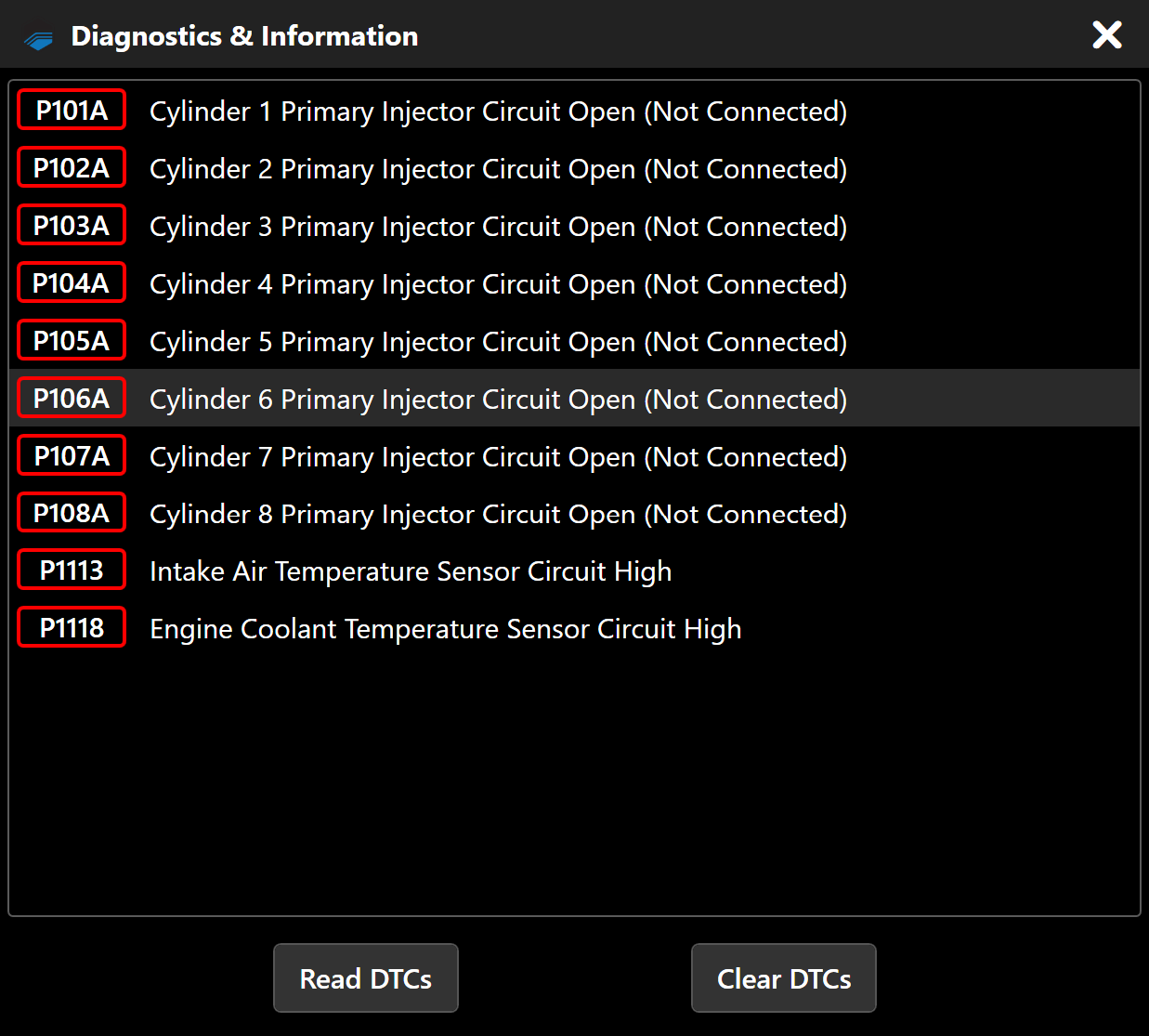
-
Click Read DTCs. VCM Live will query the ECU for diagnostic information. When finished, any DTCs detected will be listed at the top of the window.
Clearing DTC's
-
Establish a data connection to the ECU.
-
Click
. The Diagnostics & Information window appears. -
Click Clear DTCs to tell the ECU to clear the reported DTCs.
Critical DTC's
Whenever a critical DTC is detected by the ECU it will send the car into limp mode if you are driving reducing the power to 20%. If a critical DTC is detected by the ECU while the engine is off all fuel and spark will be shut off until all critical DTCs are resolved.
