VCM Suite Beta Version 5.3.6 Update
Beta VCM Scanner and Editor v5.3.6 introduces in-app support ticket creation, available exclusively within both beta applications. The following outlines how to use this feature.
Requirements
- Latest version of VCM Suite Beta (Download here)
Step-by-Step Instructions
Step 1. Open VCM Editor or Scanner.
Step 2. Click the  icon on the top menu bar.
Step 3. Click the icon again to gather support information.
Step 4. Click the  icon.
icon.
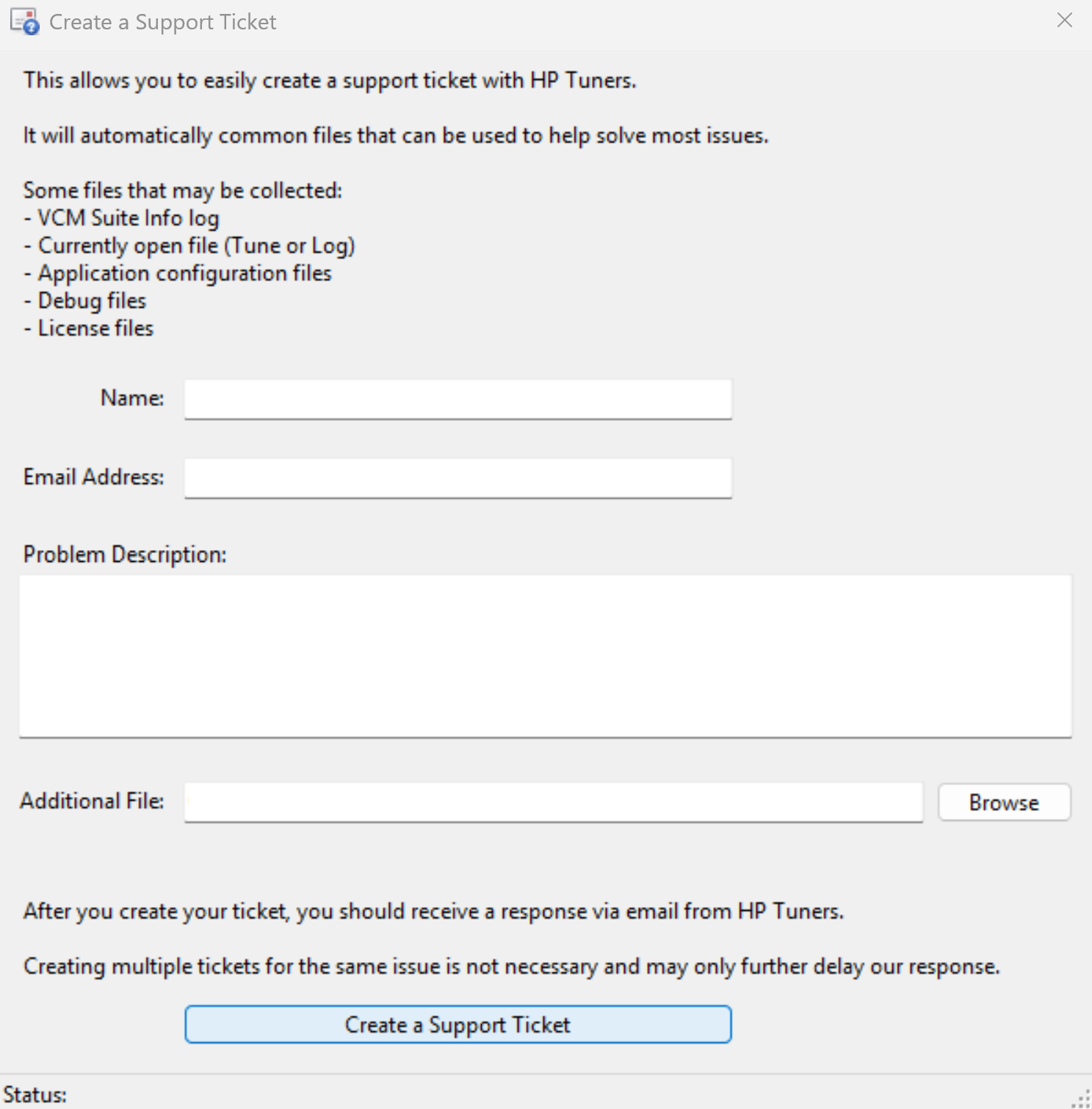
Step 5. The Create a Support Ticket window will appear, fill out the required information and click Create a Support Ticket.
Still Need Help?
If issues persist, please contact our support team through the Help Portal.
Please include the following when contacting support:
- Screenshot or log of the error
- Your device serial number
- Vehicle year, make, and model
- Summary of the issue