Adding a Characteristic List
Characteristic lists contain a number of tunable parameters whose values can be adjusted by the user. To add such a list,
-
In the menu bar, select Layout > Add Control > Add Characteristic > Add List. The below window will appear.
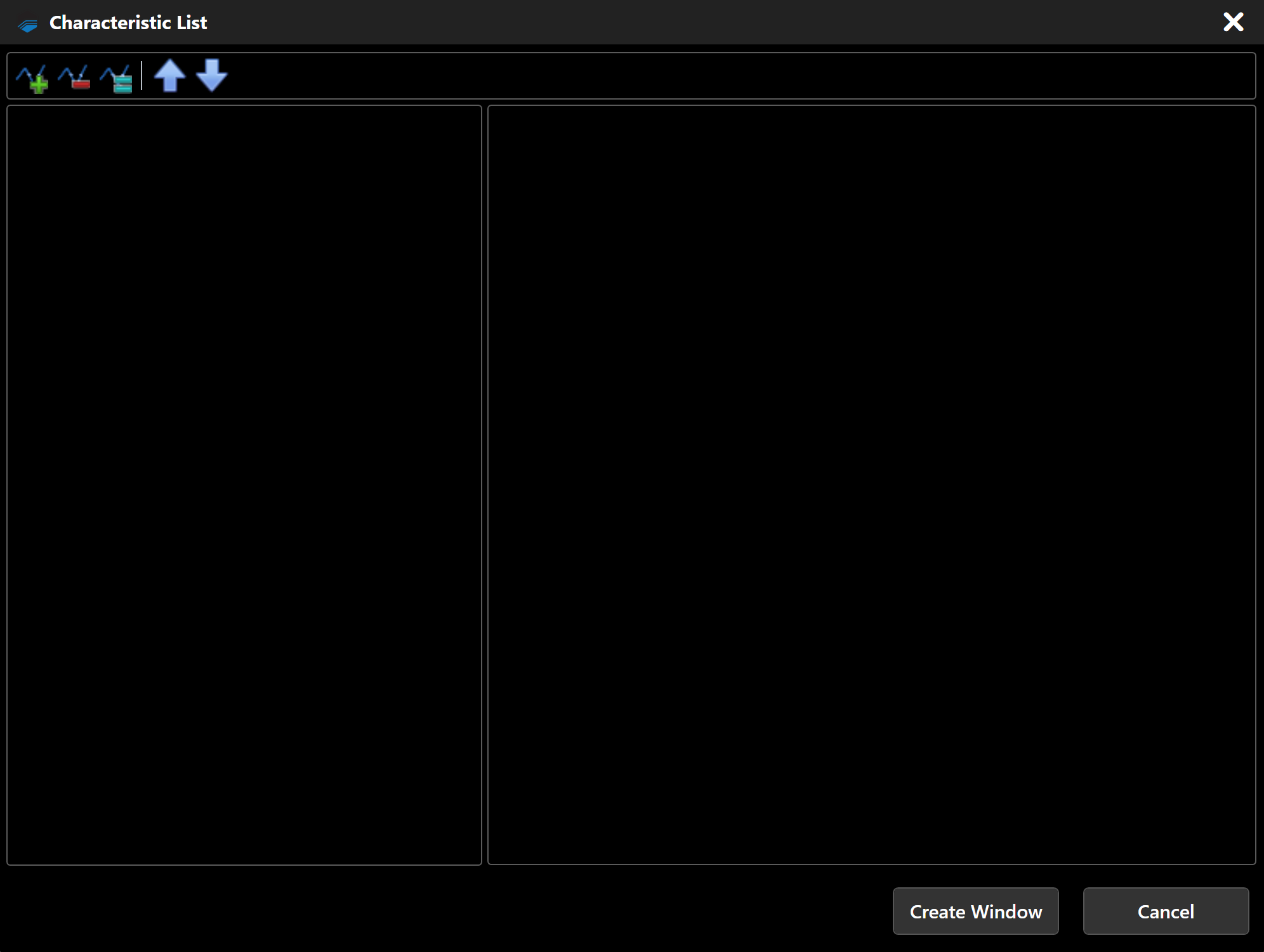
-
Click
 icon and the below window will appear. Search for the characteristic (s) you wish to add.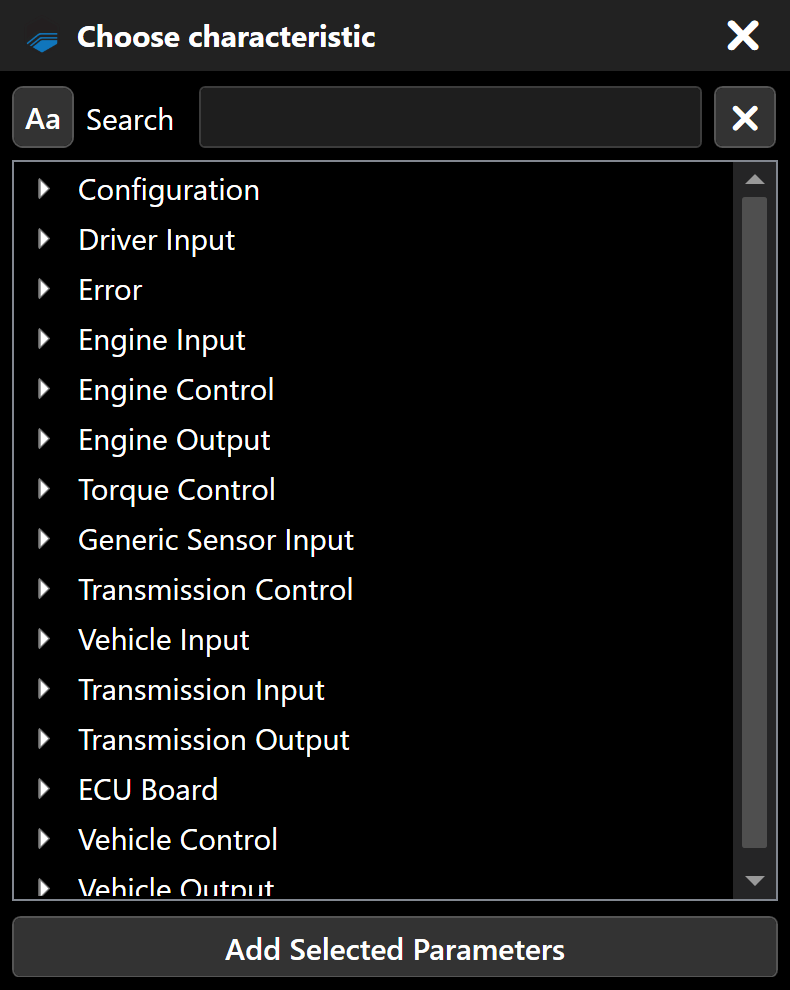
-
Double-click on the characteristic you wish to add.
-
When all the characteristics that you want to include in the list have been added and configured, Click Create Window.
Toolbar
| Parameter | Description |
|---|---|
|
Add a new characteristic to the list. To complete signal setup, you must configure the characteristic parameters. |
 |
Delete the characteristic selected in the left column. |
 |
Duplicate the characteristic selected in the column on the left. |
 |
Move the characteristic selected in the left column upwards in the list. |
 |
Move the characteristic selected in the left column downwards in the list. |