Adding a Gauge🔗
A gauge can be created to display value of any numerical stream of data provided by the ECU.
-
In the menu bar, select Layout > Add Control > Add Measurement. A list of gauge types appears.
-
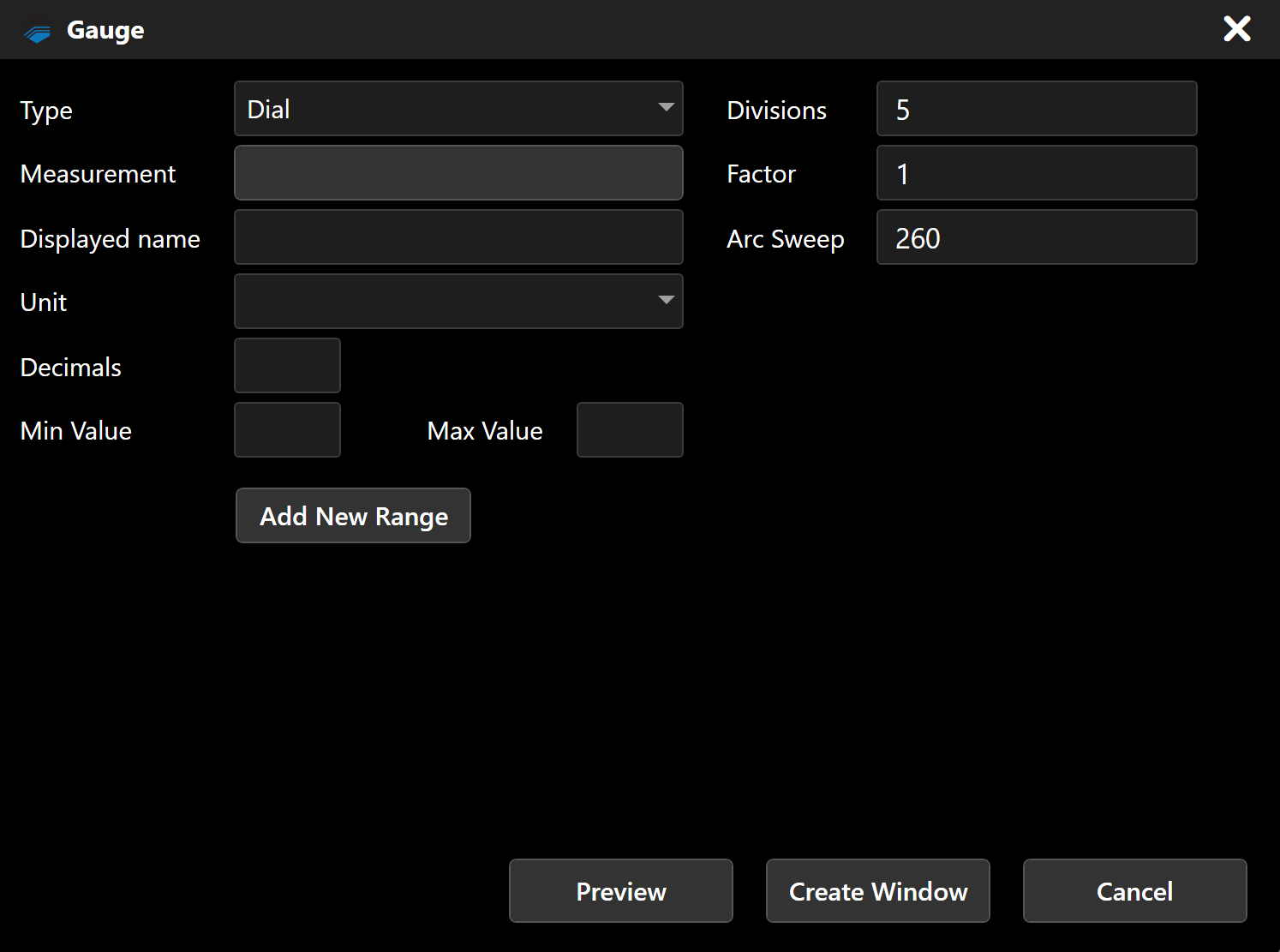
Select the type of gauge to add: Dial Gauge, Bar Gauge or Value Gauge. A window showing the properties for the new gauge appears.
Note
- The configurable properties in this window vary by type of gauge.
-
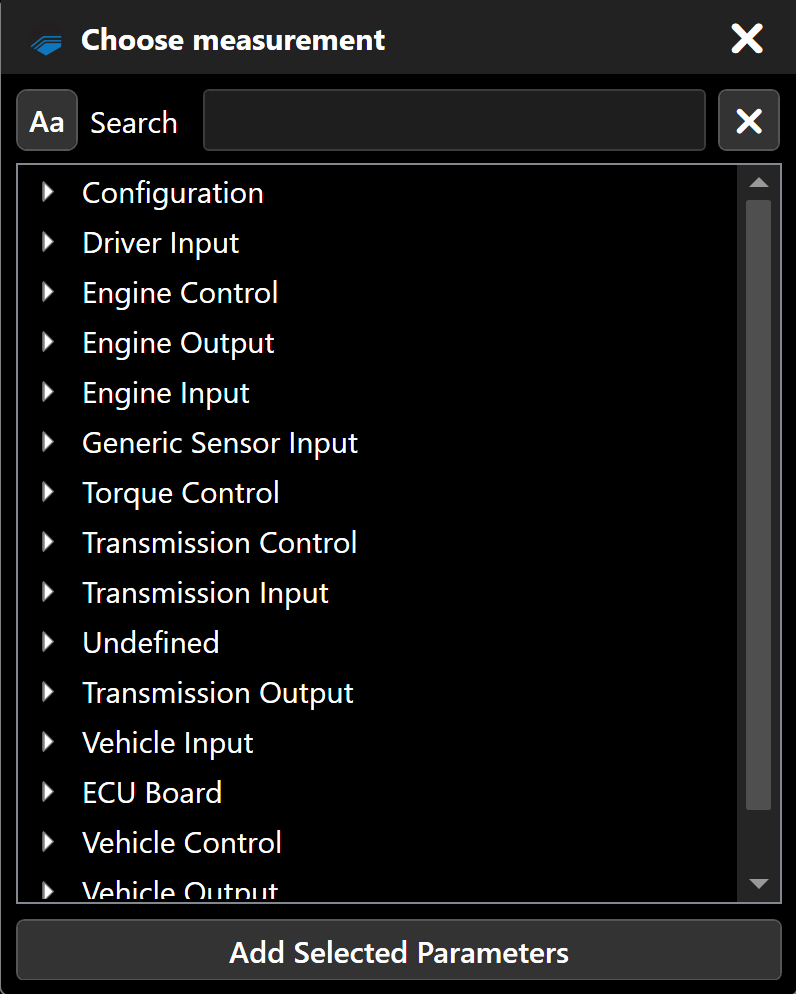
Click the Measurement box. A list of signals appears.
-
Select the signal whose value you want the gauge to display.
-
Click Add Selected Parameters.
-
Configure the remaining parameters for the gauge.
-
Click Create Window.