How to Generate a VCM Suite Infolog🔗
When contacting customer support, it's often helpful for us to have a copy of a VCM Suite Infolog. The Infolog must be generated while connected to your vehicle.
Generating an Infolog🔗
-
Click the VCM Suite Info button in either VCM Editor or VCM Scanner.
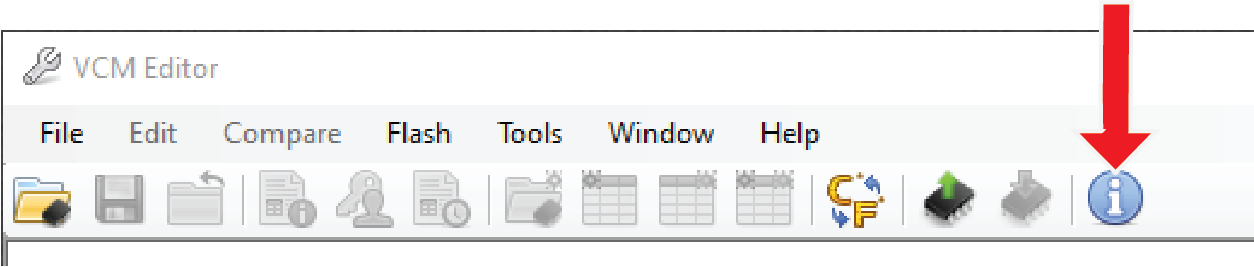
NOTE: Make sure your cable is connected to the vehicle and the vehicle's key is in the ON position before proceeding.
-
Click the blue circle "i" icon to poll the software and the vehicle.
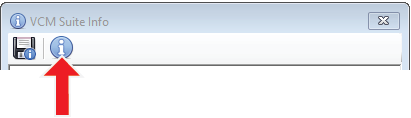
NOTE: This step may take five to twenty seconds to complete.
-
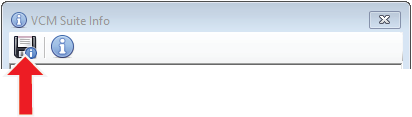
When Infolog generation is finished, click on the Save icon. Once the file is saved, it is ready to email to our Support team.