OBDII Adapter Cable Installation Procedure🔗
The following steps outline the recommended procedures for utilizing your OBDII Adapter Cable.
Required Tools/Items🔗
-
MPVI4
-
12v Battery
Installation Procedure🔗
-
Connect the positive and negative alligator clips to the marine application's 12v battery.
Caution
- To reduce the risk of sparks or electrical damage, always connect the positive (+/red) terminal first.
-
Connect your OBDII adapter cable to your marine application's ECM connector.
Caution
- Ensure power to your marine application's ECM is off (e.g., power switch knob or removing key from ignition).
Note
- Refer to your Yamaha Owner's Manual for the exact location of your ECM connector.
- For the Yamaha 3-pin OBDII adapter cable, locate the marine applications diagnostic connector. Refer to your Yamaha Owner's Manual for the exact location of your diagnostic connector.
-
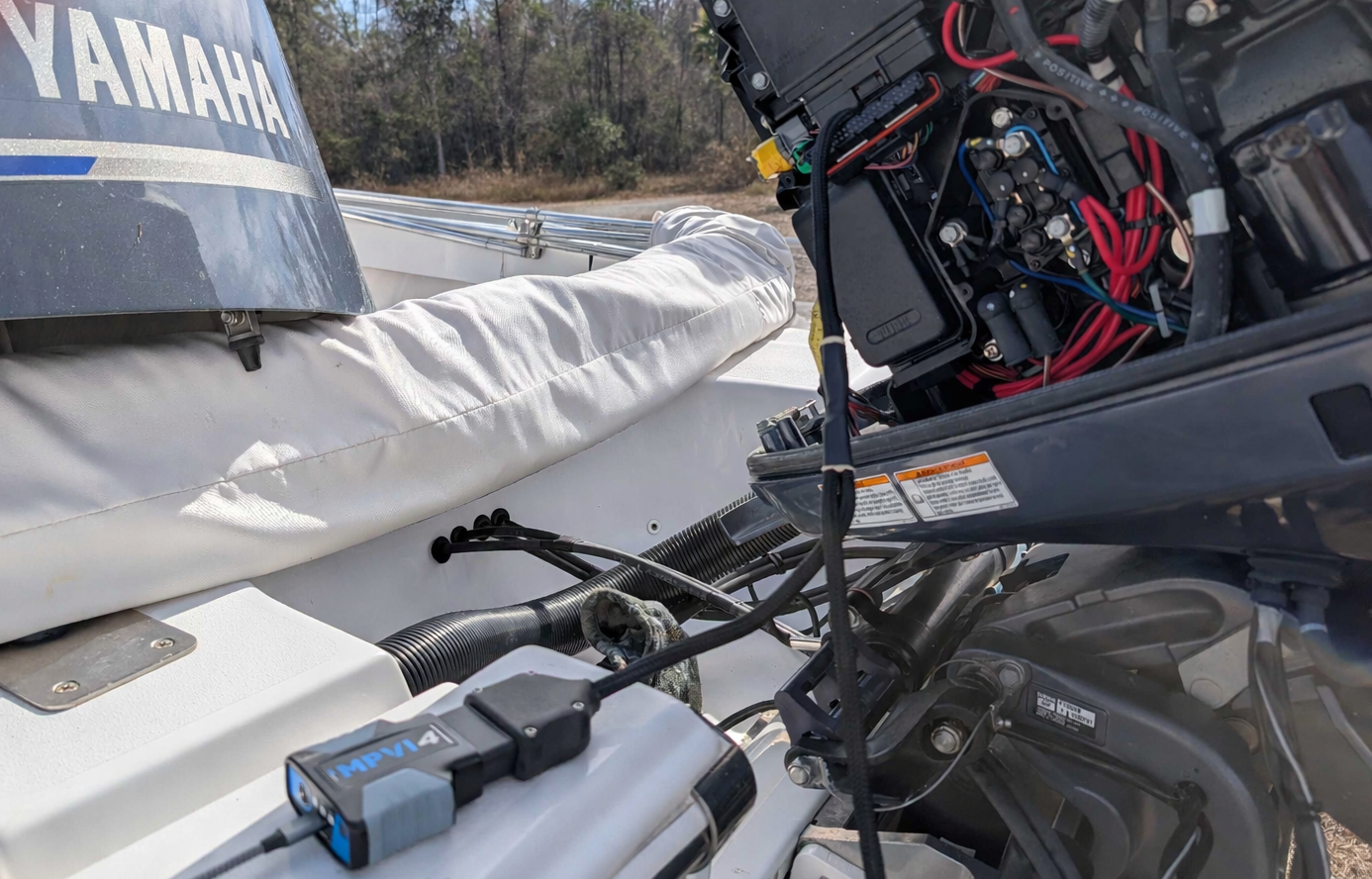
Connect your MPVI4 to the OBDII adapter cable.
Note
- The above image is referencing the Yamaha outboard 44 pin connector, style 2.
-
Mount the 2 amp fuse away from any and all moving objects.
-
Using a USB-C cable, connect your laptop to your MPVI4 device.
-
Download and connect to VCM Suite and begin tuning!
Note
- Download VCM Suite HERE.
- Refer to VCM Scanner & VCM Editor documentation to help navigate you through both software packages.
- If you are using an RTD device, refer to the TDN App User Guide
Danger
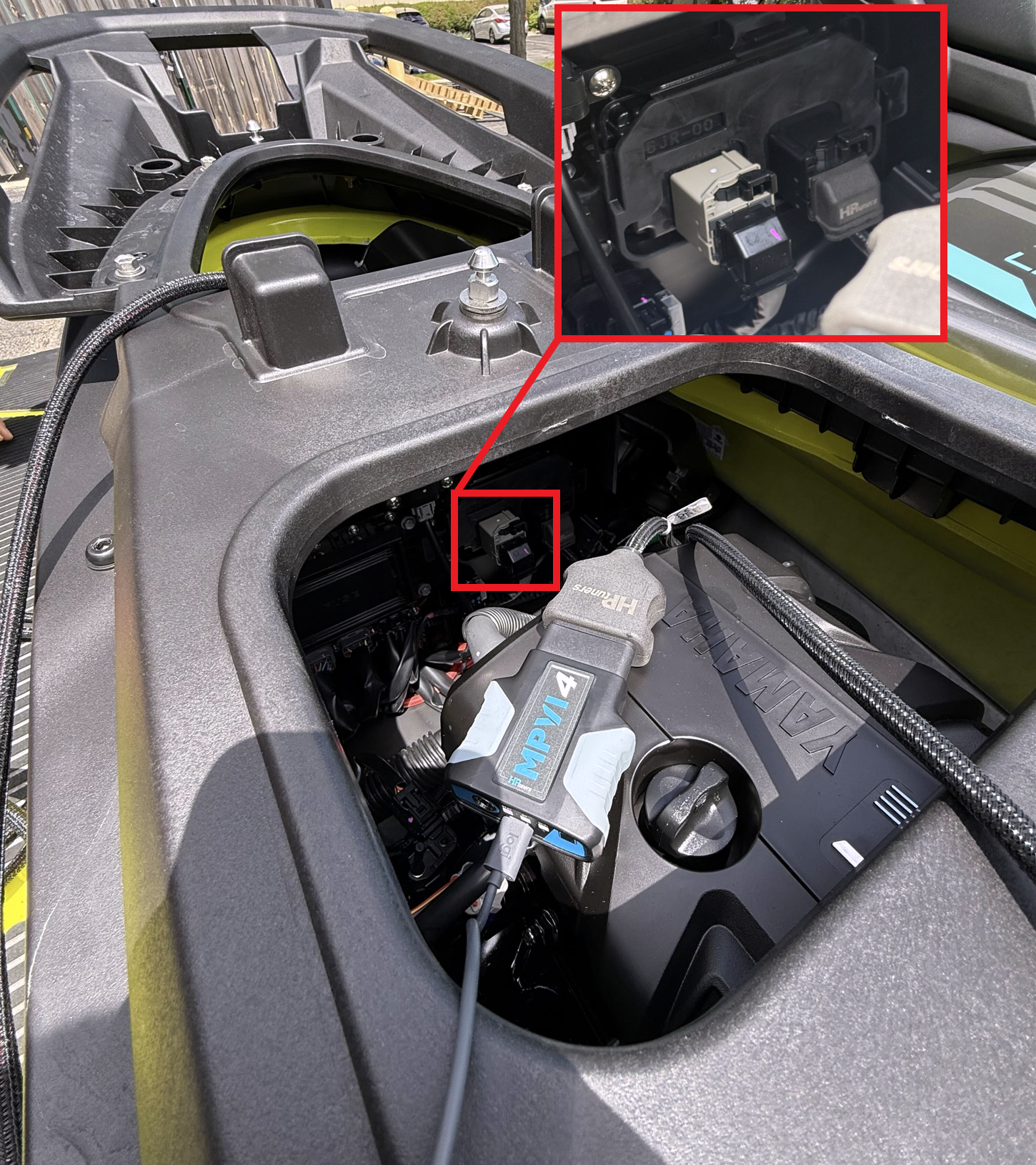
Disconnecting the white connector, or leaving it disconnected, before or during the flash process will generate a DTC. This DTC must be manually cleared using the Yamaha 3-pin diagnostic cable before operating the vehicle (see image below).