Stock File Provider🔗
The following section outlines how to obtain your controller's original stock file from the manufacturer.
-
Click the Stock File Provider tab on the left-hand navigation menu.
-
Under the Request File, select your vehicle's information.
Note
- The Segment IDs section should be separated by spaces or "," only.
- You can locate your controllers segment IDs, by opening VCM Editor or Scanner and clicking the
 icon twice, the info log window will appear, your segment IDs will be next to the Calibration IDs. Utilize the table below to locate your vehicle segment ID's.
Manufacturer Infolog Segment ID Image Example Dodge 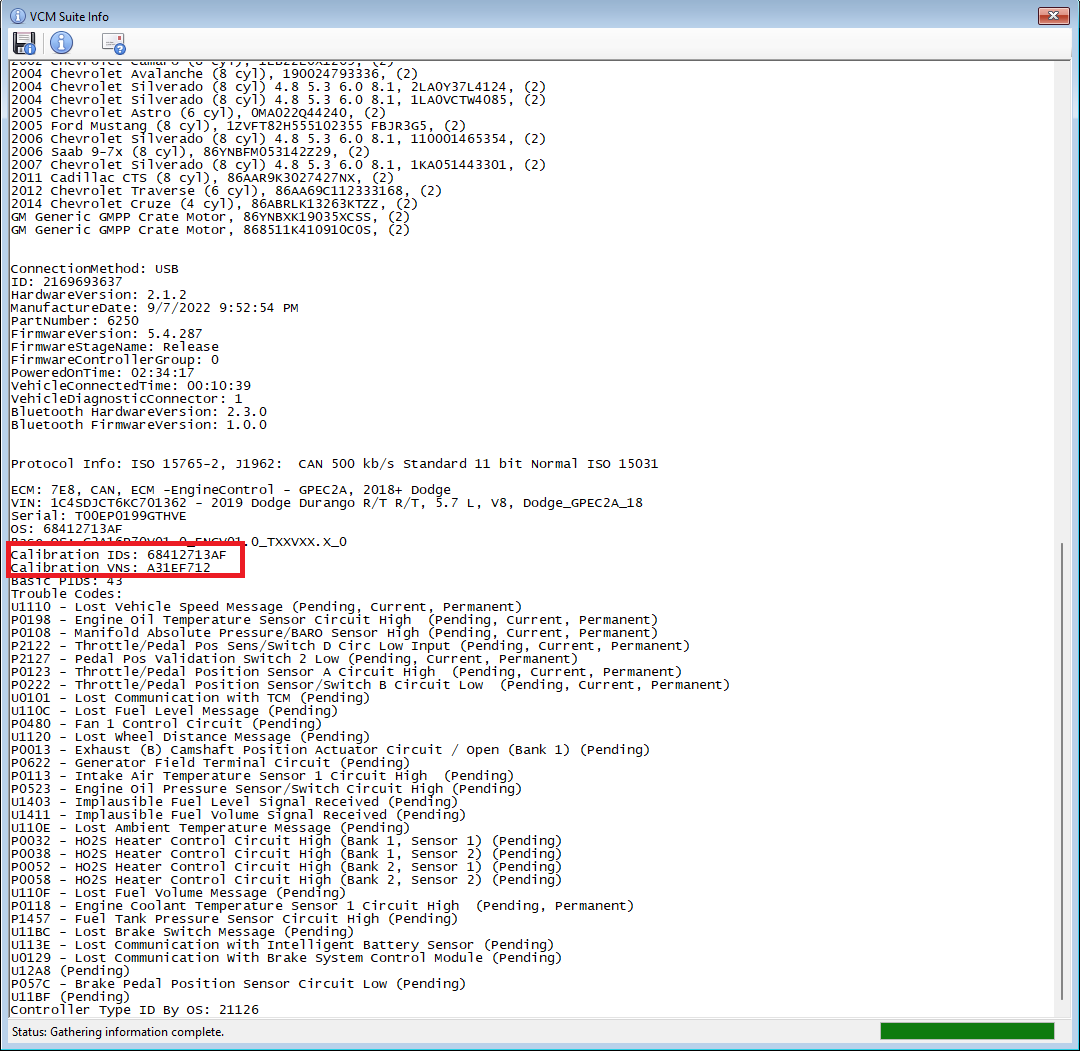
Ford 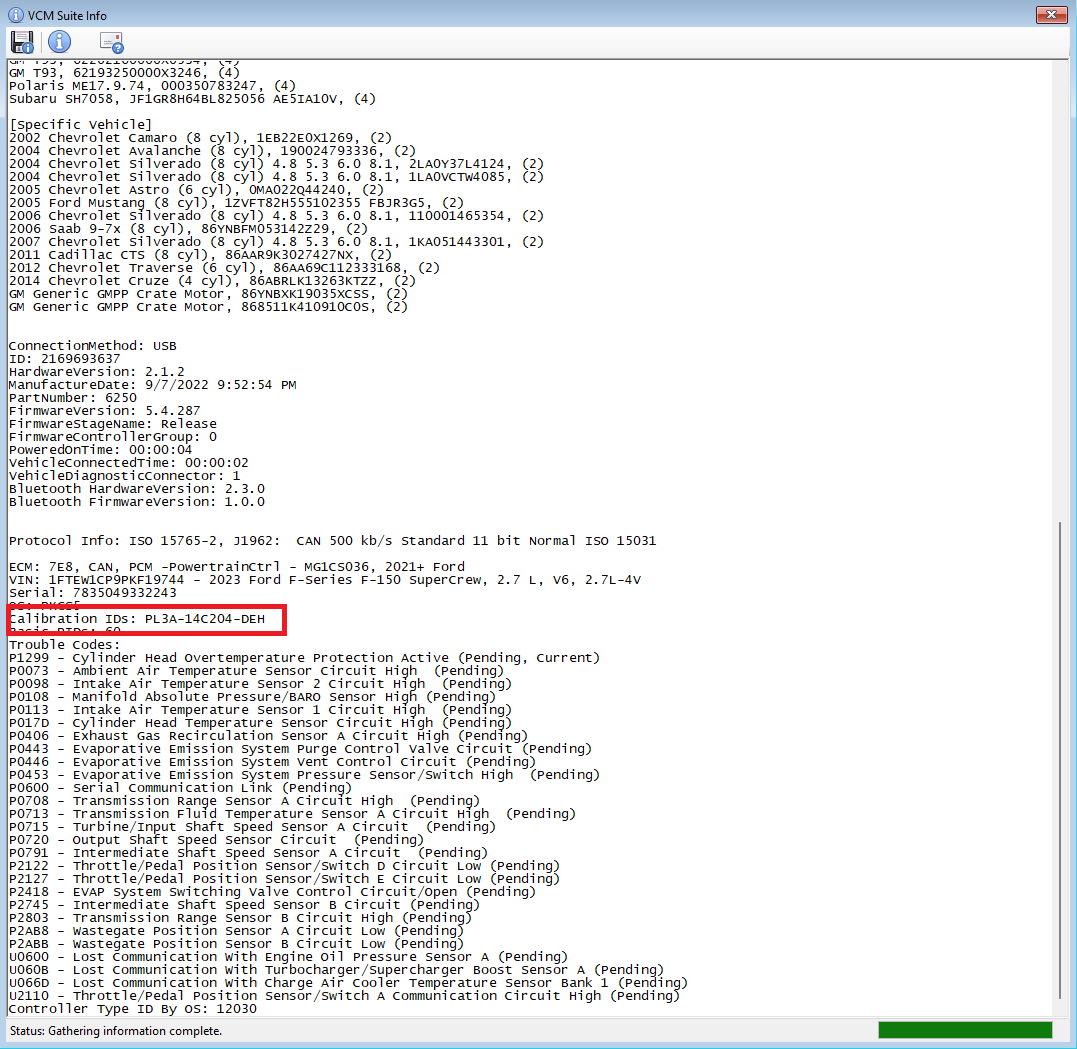
GM 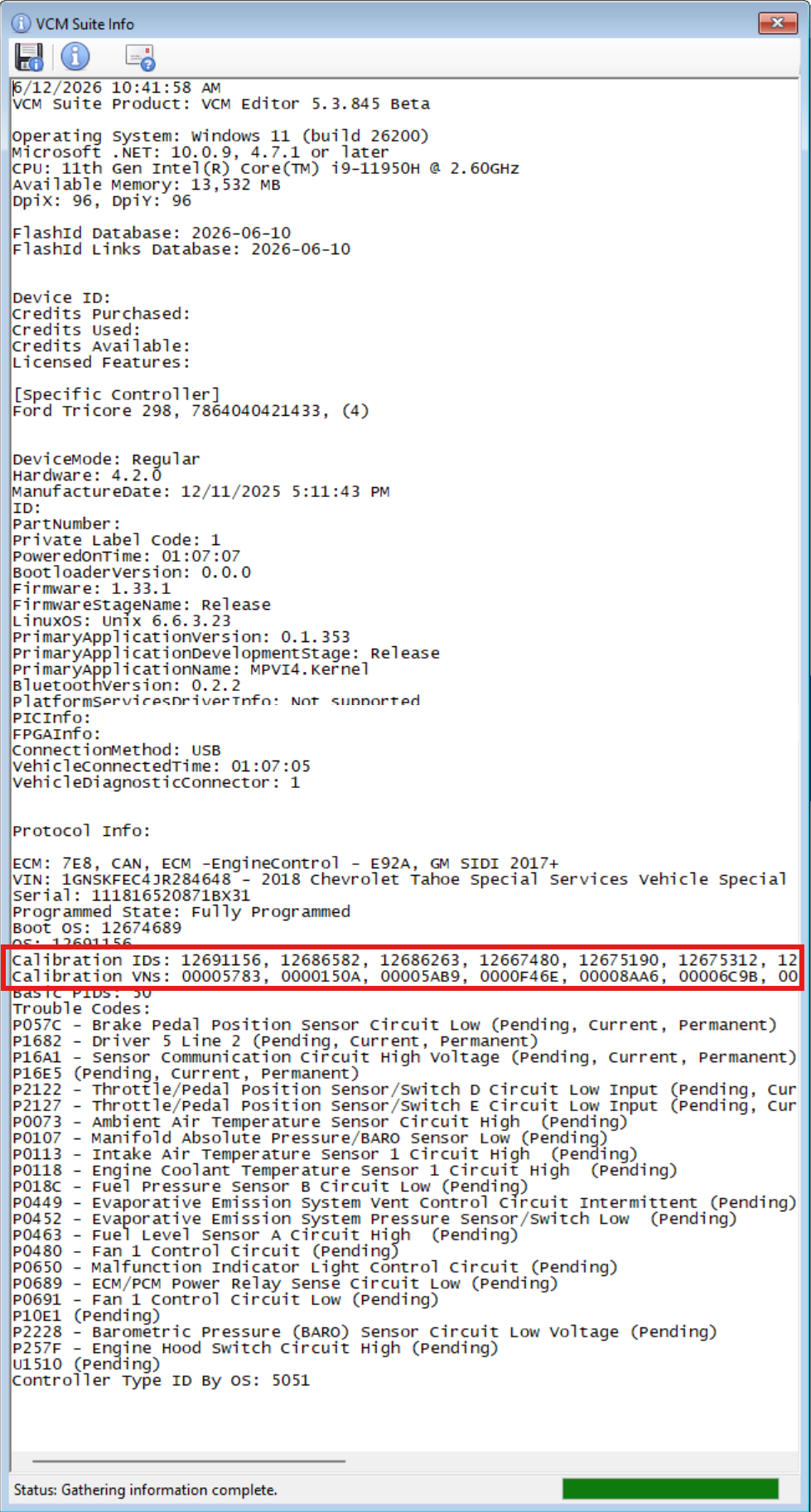
When using Tuner Tools you will need the following:
- GM: Factory segments in correct order
- Ford: SWPN (software part number)
- Dodge: Operating system
-
Click Request.
-
Under the Stock Files tab you will find the recently uploaded stock files, click Download to retrieve the file.
Note
If the file failed to upload for any reason you will find a red X mark. Try to upload the file again, if the issue persists, contact our Customer Support through our support live chat help bot.